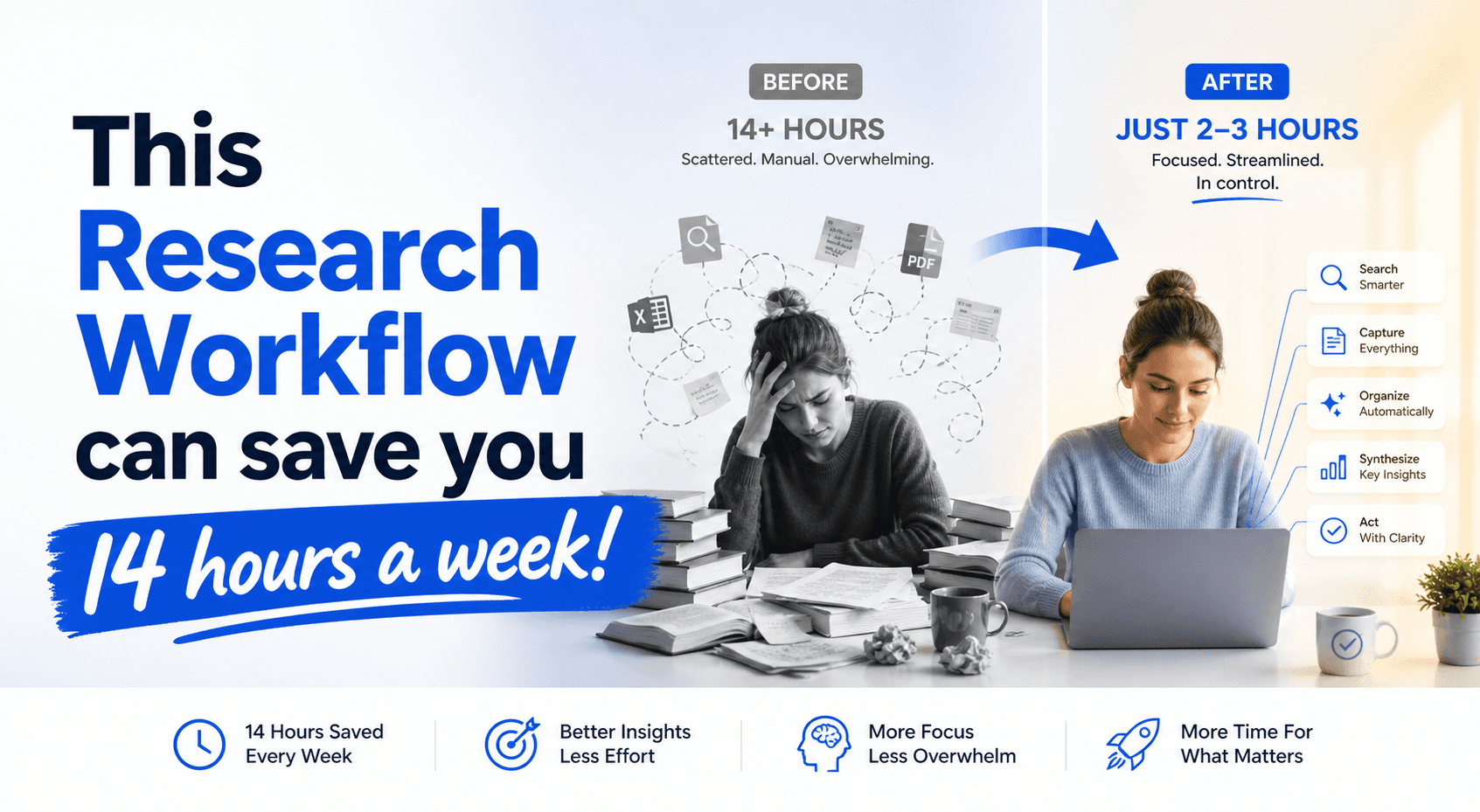
The Problem Nobody Talks About
You open a new research task. What do you do?
You open 12 tabs. Google, Perplexity, a few documentation sites, maybe Notion for notes, maybe Readwise if you're organized, maybe Slack to share something with a colleague, maybe a terminal to run a CLI tool.
And then you spend 20 minutes switching between them, copy-pasting things, losing context, forgetting which tab had which info.
This is the research stack problem. It's not that tools don't exist — it's that they're all separate and nothing talks to each other. Every tool is an island.
MCP changes that. Here's how I rebuilt my entire research stack around it, and why it's the single workflow change that's saved me the most time in the past 6 months.
What MCP Actually Is (In One Paragraph)
MCP (Model Context Protocol) is Anthropic's open standard for connecting AI models to external tools. Think of it like a USB port for AI. Instead of every AI tool needing its own custom integration for every service, MCP provides a standard interface. If a tool supports MCP, any AI model that speaks MCP can use it.
The practical version: you install an MCP server for a service (Google Drive, Slack, GitHub, a database), and now Claude Code, or any MCP-compatible AI, can actually use that tool — not just talk about it.
The key distinction from regular API integrations: MCP gives the AI agency. It can decide what to search, when to read, when to write, when to act. You're not manually copy-pasting. You're handing the AI a toolkit and saying "figure it out."
The Research Stack Before MCP
Here's what most people's research flow looks like:
- Search → Open Perplexity or Google, type query
- Save → Copy interesting links to Readwise or Notion or a text file
- Read → Open each link, skim, extract relevant sections
- Synthesize → Paste everything into Claude and ask it to summarize
- Share → Copy the summary somewhere useful (Slack, Notion, email)
The average knowledge worker repeats this 5-10 times per day for a single research task. Each context switch costs 2-3 minutes. By the end of the day you've spent an hour just managing tabs and copy-pasting.
The deeper problem: you're the router. You decide what information matters, what gets saved, what gets connected. The AI assists but you do all the orchestration.
The Research Stack After MCP
Here's what a single AI workflow looks like when MCP is the connective tissue:
Step 1: Define your research question — paste it into Claude Code Step 2: AI decides what to search — Tavily MCP searches the web autonomously Step 3: AI reads sources directly — Firecrawl MCP extracts content from any URL Step 4: AI saves relevant findings — writes directly to your Notion or Obsidian Step 5: AI synthesizes — pulls everything together into a brief
The result: you ask one question. You get one answer. Everything in between is automated.
The MCP Servers That Actually Work
After testing dozens, here are the ones worth setting up. These are the research stack that replaced everything else.
1. Tavily MCP - Web Search
What it does: AI-optimized web search. Returns structured content, not just links. Built specifically for agents.
Why it's different from Google: Tavily understands what an AI research agent needs — clean article content, key facts, citations. Google returns pages optimized for human scanning.
Install:
npx @tavily-mcp/start
Config for Claude Code (~/.claude/settings.json):
{
  "mcpServers": {
    "tavily": {
      "command": "npx",
      "args": ["@tavily-mcp/start"],
      "env": {
        "TAVILY_API_KEY": "tvly-YourAPIKeyHere"
      }
    }
  }
}
Get your API key: https://tavily.com — free tier: 1,000 searches/month
Usage in Claude Code:
/research "Compare MCP server providers for a solo developer budget"
Claude will search the web, evaluate sources, and return a structured brief — no tabs needed.
2. Firecrawl MCP - Web Content Extraction
What it does: Converts any URL into clean markdown. Handles JavaScript rendering, so single-page apps and dynamic content work. The best tool for turning a messy website into clean text an AI can actually read.
Why it matters for research: Most web content is wrapped in navigation, ads, popups, and layout. Firecrawl strips all of that. When Claude reads a Firecrawl output, it reads the article — not the page chrome.
Install:
npx -y firecrawl-mcp
Config:
{
  "mcpServers": {
    "firecrawl": {
      "command": "npx",
      "args": ["-y", "firecrawl-mcp"],
      "env": {
        "FIRECRAWL_API_KEY": "fc-YourAPIKeyHere"
      }
    }
  }
}
Get your API key: https://firecrawl.dev — free tier: 500 lifetime credits
Usage: Give Claude a list of URLs from a Tavily search. It will read all of them in parallel and extract the relevant content.
3. Context7 - Live Documentation
What it does: Fetches current documentation and code examples from GitHub repositories. The version of this that shipped in 2024 just looked up docs. The current version (Context7) reasons about which part of which doc answers your specific question.
Why it's critical for research: LLMs hallucinate library APIs. They'll confidently tell you a function takes a string when it actually takes an object. Context7 pulls the actual current source code and documentation, so Claude is working from ground truth.
Install:
npx -y @context7/mcp-server
Config:
{
  "mcpServers": {
    "context7": {
      "command": "npx",
      "args": ["-y", "@context7/mcp-server"]
    }
  }
}
No API key required. Context7 works by querying GitHub repos directly.
Usage:
Find the latest way to authenticate with the OpenAI SDK in Node.js and show a code example
4. Notion MCP - Your Second Brain
What it does: Reads from and writes to Notion databases and pages. Your research findings go straight into your knowledge base without you ever opening Notion.
Why it matters: The best research workflow is the one where findings actually end up somewhere you'll find them later. If saving requires switching to a browser and manually pasting, it doesn't happen consistently.
Install:
npm install -g @notionhq/notion-mcp
Config:
{
  "mcpServers": {
    "notion": {
      "command": "notion-mcp",
      "env": {
        "NOTION_API_KEY": "secret_YourNotionIntegrationToken",
        "NOTION_DATABASE_ID": "YourDatabaseID"
      }
    }
  }
}
Setup: Create a Notion integration at https://www.notion.so/my-integrations. Share your research database with the integration.
Usage: After a research session, ask Claude:
Save all findings about [topic] to my research database with today's date and tag them as [topic]
The Complete Research Workflow
Here's the exact prompt structure I use for any research task. This is copy-pasteable(You can use Promptery to manage different structured prompts.):
Research task: [Your question here]

Structure:
1. Executive summary (3 sentences max — what did you find, what's the verdict)
2. Key findings (top 5, ranked by practical impact)
3. Tools/approaches ranked (with pros, cons, pricing if relevant)
4. Gaps in available information (what's not answered by existing sources)
5. Recommended next step (specific action, not generic advice)

Rules:
- If data is insufficient for a claim, say "Insufficient data" — do not speculate
- Cite sources with specific URLs, not "according to a recent study"
- Rate confidence on each claim: High / Medium / Low
- If two sources conflict, note both and explain the discrepancy
With the MCP stack configured, Claude will:
- Search Tavily for relevant sources (autonomously)
- Read each source with Firecrawl (clean markdown extraction)
- Pull any relevant documentation via Context7
- Write findings directly to your Notion database
- Return the structured brief
You do not open a single tab. You do not copy-paste anything. You read the brief.
What This Actually Saves
I tracked this for 2 weeks on research tasks I was already doing. Tasks that previously took 45-60 minutes of tab-switching took 8-12 minutes with the MCP stack running autonomously in Claude Code.
That's roughly 35-45 minutes per research task. At 3 research tasks per day, that's 1.5-2 hours saved daily.
The setup time: installing the 4 MCP servers and configuring the settings took about 45 minutes total. One-time cost.
The key insight: the bottleneck was never the AI's ability to synthesize information. It was my time spent routing information between tools. MCP removes me as the router.
What MCP Can't Do Yet
Be honest about limitations:
- Real-time information: MCP servers still have latency. For breaking news or fast-moving situations, manual checking is still faster.
- Multi-modal research: If you're researching visual design decisions or need to analyze screenshots, MCP's text-first nature is a limitation.
- Verification: The AI will still confidently state incorrect information. Cross-checking specific claims (especially numbers and dates) is still your job.
- Context windows: Large research tasks still require managing context. Breaking into smaller sub-questions produces better results.
None of these are reasons to skip MCP. They're reasons to use it with awareness.
Getting Started: Your First 60 Minutes
Here's the exact sequence:
Minute 1-10: Install Claude Code if you haven't already. It's the interface that makes MCP usable.
Minute 11-25: Get API keys for Tavily (tavily.com) and Firecrawl (firecrawl.dev). Both have free tiers that are sufficient for individual use.
Minute 26-40: Configure your ~/.claude/settings.json with the server configs above. One file, four servers.
Minute 41-50: Test with one research query. Use the prompt template above. Watch what Claude does autonomously.
Minute 51-60: Set up your Notion integration and test saving a finding. The moment research results appear in your knowledge base without you opening a browser, you'll understand why this stack is different.
If diving directly into autonomous agents like openclaw or hermes scares you, this workflow is the perfect way to dip your toes and get the benefits without the overhead of setting up risky agents that you don't fully understand.
I post daily about AI workflows, helping people leverage AI and get ahead of the curve in their respecitive fields. Follow me on X at Hype My Hustle